New article
Recently updated
Uploading an SSO certificate

Who is this article for?
Users who want to learn about uploading an SSO certificate.
Elevated permissions are not required, but client administrator permissions are needed to upload the certificate.
This article explains how to upload a new SSO (x.509) certificate in the Ideagen Workplace Training system.
Uploading the certificate
SSO set-up is self-serve, which means you can upload the new certificate yourself as long as you have client administrator permissions.
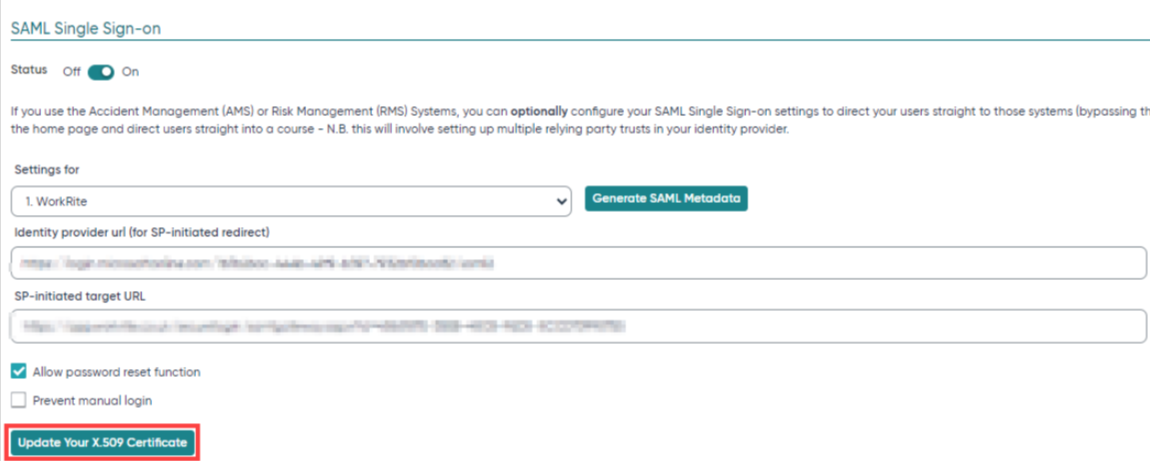
To upload your certificate:
- Log in to the Ideagen Workplace Training system.
- Navigate to the Management System section.
- Select Company.
- Go to Security.
- Choose Upload your x.509 certificate.